Home · News · Industry News · Elevator Button Glass: Durability, Print and Touch Specification for Buyers
Elevator Button Glass: Durability, Print and Touch Specification for Buyers
Author: AdminDate: Oct 20,2026
A glass button plate that stays clear under fluorescent light is not just a finish choice. It is the surface a passenger touches, the window that carries floor numbers, and the barrier that protects LEDs, sensors and wiring. When it fogs, chips or loses contrast, the lift feels older than its mechanics. The practical rule is to specify elevator button glass as an assembly, not as a sheet of glass.
What Elevator Button Glass Must Do Before It Looks Good
Glass is popular in lift interiors because it looks clean, feels smooth, and allows capacitive touch to work through a thin, consistent dielectric. But appearance is only one job. A button plate also has to transmit finger pressure or touch signal, spread backlight evenly, hold printed symbols and Braille inserts, survive daily cleaning, and fail safely if damaged.
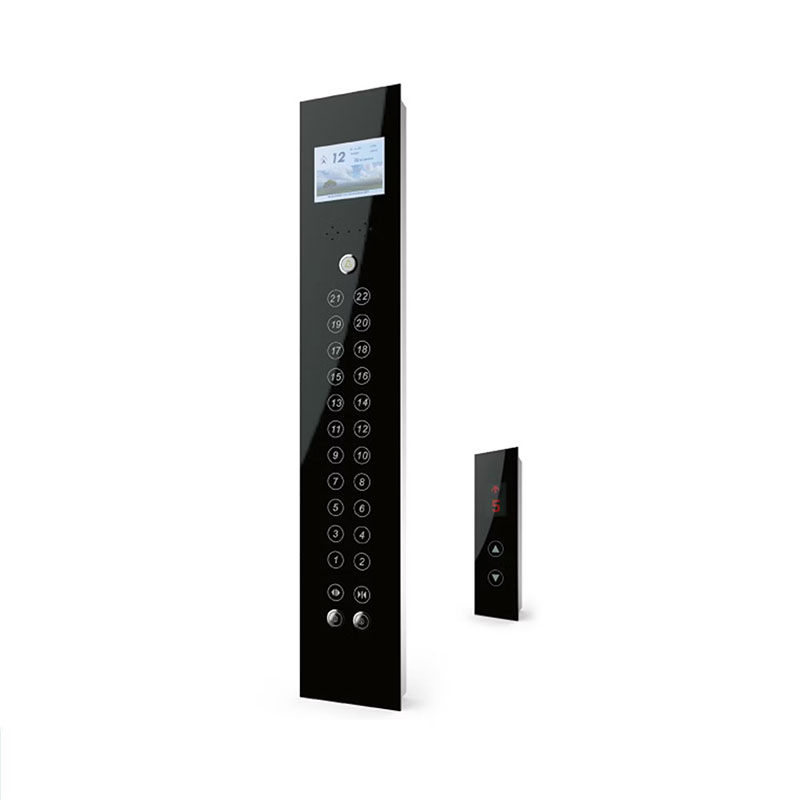
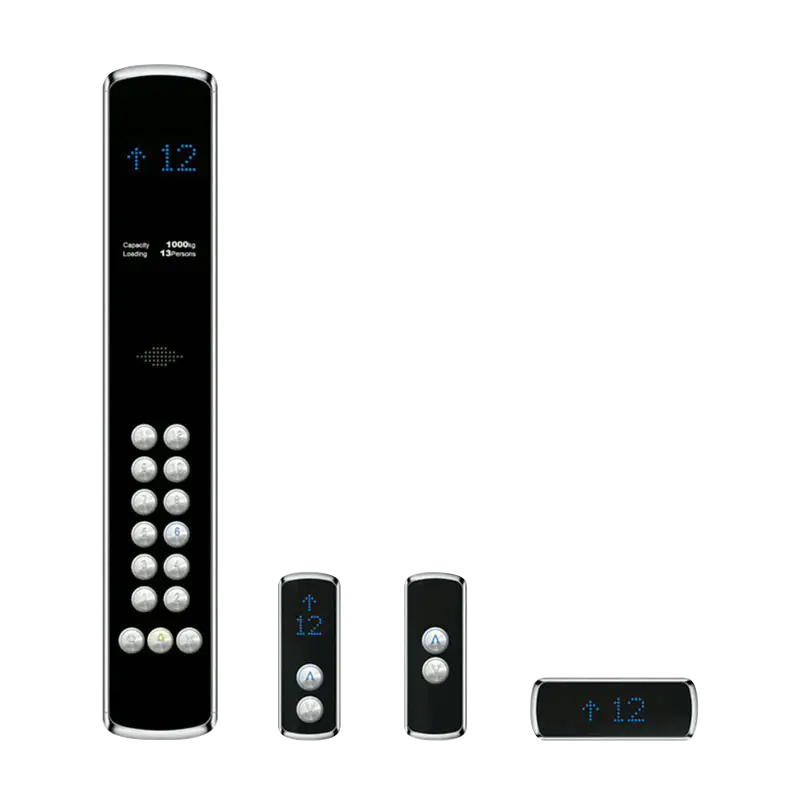
The first decision is therefore functional. Is the button mechanical, capacitive, piezo or touchless? Does the graphic sit behind the glass or on the front? Is the part a simple button or a full car operating panel with display, alarm and door controls? Each answer changes glass thickness, print layers, gasket design and test method. A panel that works on a villa lift may be wrong for a public lift where keys, trolleys and aggressive cleaners are normal.
Common glass thickness planning bands for elevator button plates
Villa / low-traffic
3 mm
Standard COP / LOP
4 mm
Public high-traffic
6 mm
0 mm3 mm6 mm
Planning bands, not a substitute for lift-code review or the fabricator's structural advice.
The Substrate and Print Stack: Where Clarity and Durability Are Won
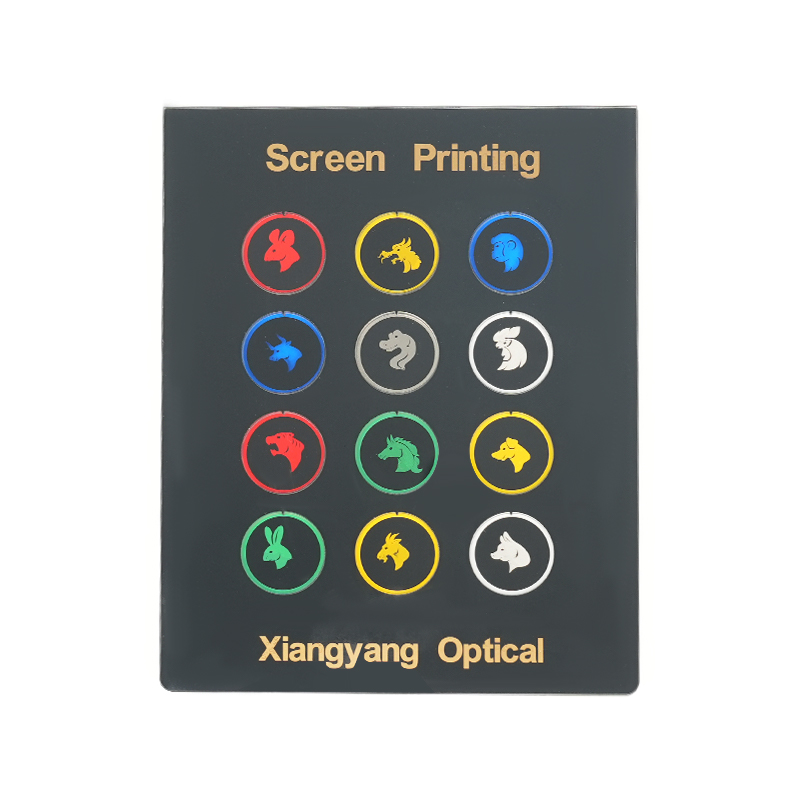
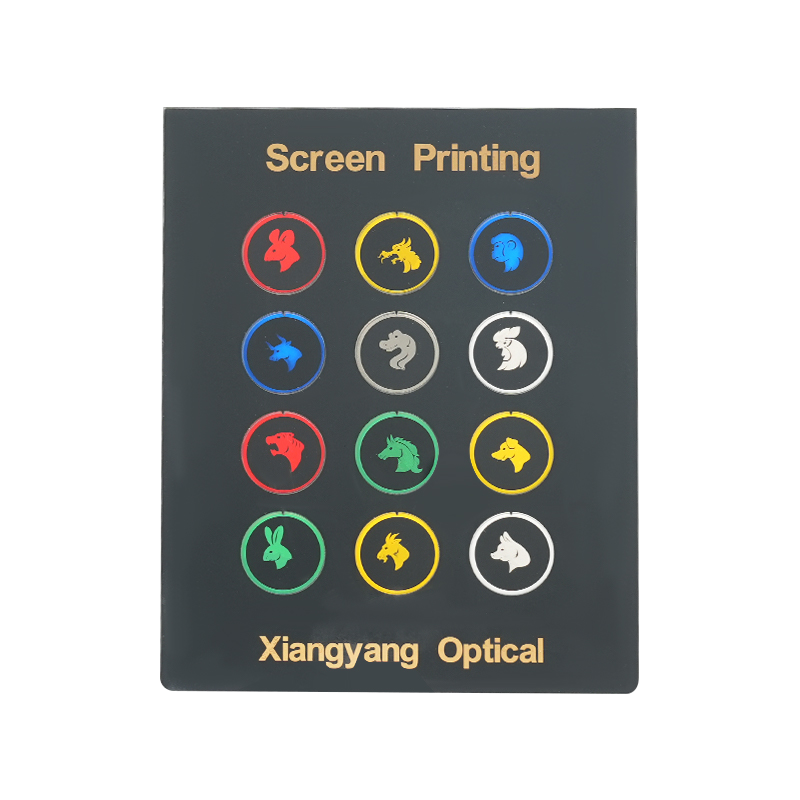
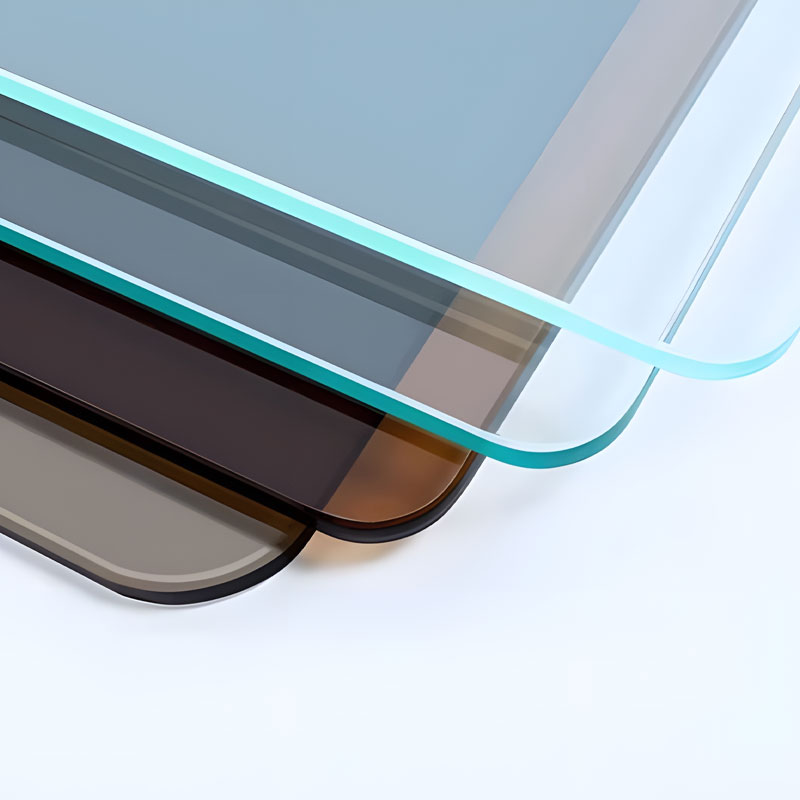
Most elevator button glass starts with tempered float glass, not a precision optical filter. Low-iron clear glass gives truer whites and less green shift; frosted glass spreads LED light and hides minor scratches; clear glass shows print detail but also shows fingerprints. Tempering improves strength and gives a safer breakage pattern, but it must be done after cutting and edge work. Print is usually applied to the reverse side so the ink is protected from fingers and cleaning cloths.
A button plate is a stack: glass, printed optics, sealing and electronics must work as one unit.
The print stack matters as much as the glass. A typical dead-front graphic uses a base coat, color layer, diffuser or mask, and a protective back coat. If diffusion is too weak, LEDs appear as bright dots; if it is too strong, symbols lose contrast. Registration errors that are invisible on a sample card can become obvious once the panel is lit. Buyers should approve a lit sample, not only a daytime sample.
Print, Illumination and Touch: Where Most Failures Start
The common failure is not broken glass. It is a panel that still looks intact but has a dead button, a cloudy halo, a color shift or a print edge that lifts after cleaning. These problems usually begin at interfaces: between glass and print, print and adhesive, adhesive and sensor, or panel and frame. A gasket that traps moisture can attack the print edge; a thick adhesive can reduce capacitive sensitivity; a rigid frame can bend a thin panel enough to change touch response.
Qualitative comparison for early specification discussions; final selection depends on lift code, cleaning chemicals and sensor design.
Option
Touch feel
Scratch visibility
Backlit graphics
Cleaning risk
Printed tempered glass
Smooth and consistent
Low to moderate
Excellent with a diffusion layer
Needs edge seals and pH-neutral cleaners
Stainless steel
Firm, metallic
Shows scratches and fingerprints
Cut-outs or separate display needed
Resists most cleaners; print may wear
Polycarbonate
Light and warm
Soft surface marks easily
Good, but yellowing risk
Solvent attack possible
For touch panels, test the complete assembly with the intended controller. For mechanical buttons, check travel and return force after the panel is mounted. For backlit graphics, compare brightness and color across the whole panel, not just the center. For touchless designs, confirm that the glass and print do not block the sensor window.
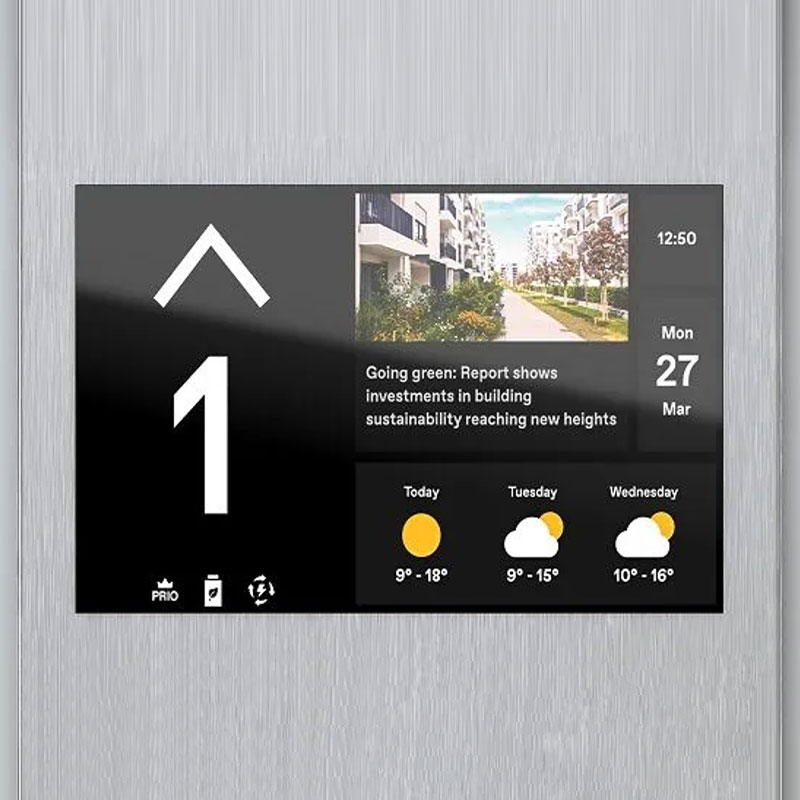
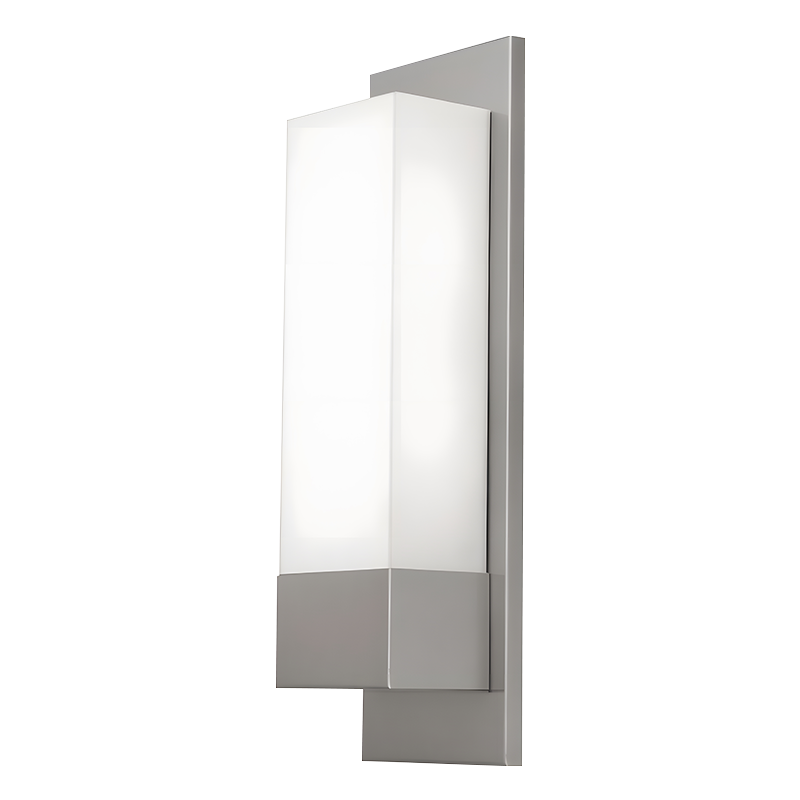
A COP, LOP, arrival light and display panel do not need the same glass. A COP is handled constantly and needs strong print protection, clear labels and easy cleaning around the buttons. A LOP is exposed to daylight, temperature swings and public contact, so UV-stable print and a robust edge seal matter. An arrival light is mostly an optical part: brightness, diffusion and viewing angle matter more than touch feel. Villa elevator panels often trade heavy-duty thickness for slimmer profiles and quieter design.
Xiangyang's elevator panel range covers COP, LOP, arrival lights, buttons and display plates. The useful starting point is a drawing that shows button pitch, display window, mounting points, cable exit and cleaning access. If those details arrive after the glass is cut, the project pays for them in rework.
The cheapest panel is rarely the lowest-cost panel. A failed batch can stop a lift line, trigger site visits and damage the finished interior. Before release, ask for a first-article report that matches the approved lit sample. For a fuller explanation of construction and print sequence, this overview of screen-printed glass for elevator panels is a useful reference for the approval conversation.
Confirm glass type, thickness and temper mark against the approved drawing.
Check print registration under both daylight and backlight.
Test print adhesion with the cleaner the building will actually use.
Verify touch or button response after gasket and frame assembly.
Inspect edges for chips and seal continuity.
Compare color and brightness across panels from the same batch.
Review packaging: glass-to-glass contact and edge protection must be controlled.
Agree spare-panel stock and replacement lead time before production.
Send drawings, cleaner data and a sample panel to the contact team before the order is frozen. A five-minute technical review is cheaper than a site visit after installation.
Cleaning and Maintenance That Protects the Print
Most print failures come from cleaning, not from passengers. Ammonia, alcohol-heavy disinfectants, abrasive pads and soaking water can dull the surface, attack the ink edge or wick under the print. Use a pH-neutral cleaner, a soft cloth and controlled moisture. Spray the cloth, not the panel, and dry the edges. For heavy public use, test the chosen cleaner on a sample for the same contact time used on site.
Replace a panel when the print is lifting, the touch area has dead spots, the backlight is uneven, or the glass is chipped near a fixing point. A small chip can become a crack once the frame is tightened. Keep one spare panel per model and finish so a single damaged button does not take the lift out of service for a full production cycle.
Frequently Asked Questions
Q1. What is elevator button glass?
A tempered glass plate, usually screen-printed on the back, used as the touch surface or cover for lift buttons and displays. It can carry symbols, floor numbers and illuminated graphics.
Q2. Is glass safe for elevator buttons?
Tempered glass is chosen for strength and a safer breakage pattern, but safety depends on thickness, edge quality, mounting and compliance with the lift code. Specify a tested assembly, not just a glass sheet.
Q3. What thickness is used for elevator button glass?
Many projects sit in the 3–6 mm range. Villa and light-duty plates tend toward the thinner end; public COP and LOP panels often need more rigidity and better edge protection. Confirm with the fabricator and lift engineer.
Q4. Can elevator button glass be backlit?
Yes. A diffuser layer and mask control LED hot spots and symbol contrast. Approve a lit sample and check brightness across the full panel, because print density and glass texture change the result.
Q5. How should printed elevator button glass be cleaned?
Use a pH-neutral cleaner, a soft cloth and light moisture. Avoid ammonia, abrasives and soaking. Dry the edges, and test any disinfectant on a sample for the contact time used on site.
Q6. What is the difference between a COP and LOP glass panel?
COP means car operating panel, inside the lift; LOP means landing operating panel, outside on each floor. COP panels face constant touch and cleaning, while LOP panels face more public contact, daylight and temperature change.




 English
 Español